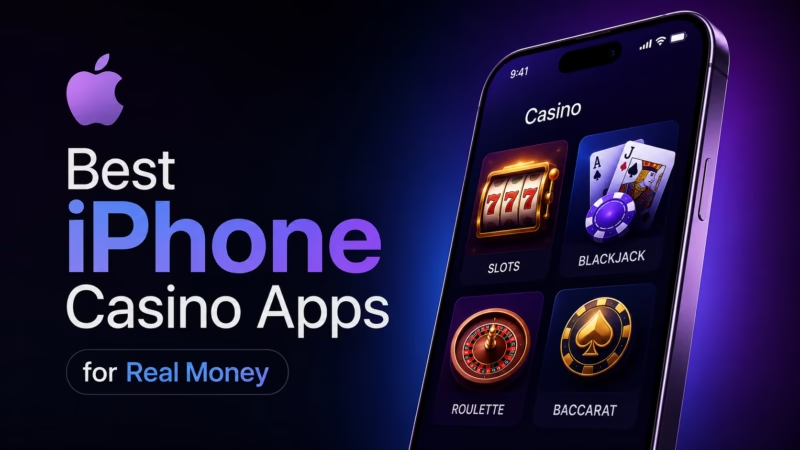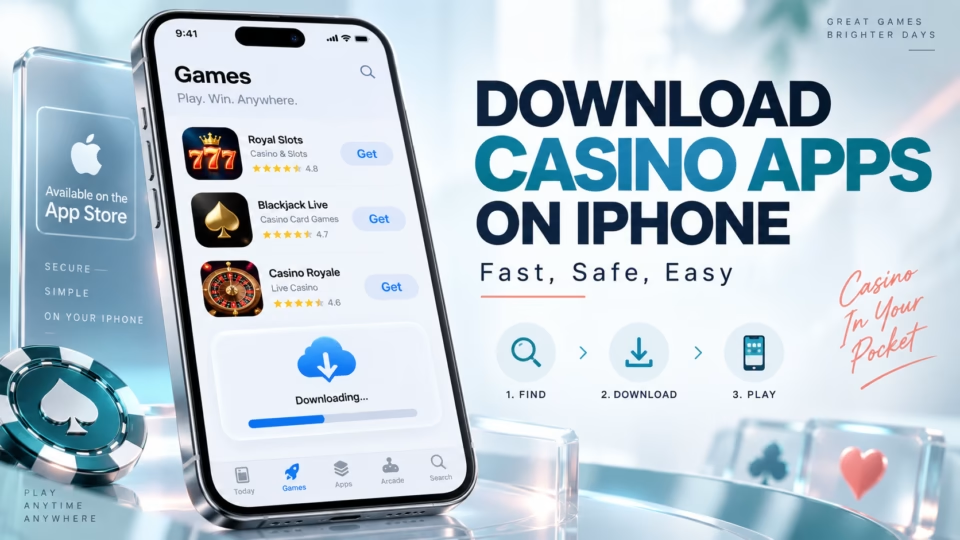
Downloading a casino app on an iPhone is usually straightforward: open the App Store, search for the casino, confirm that the developer and operator are legitimate, tap Get, and authenticate the download with Face ID, Touch ID, or your Apple Account password. The exact installation method can differ by country because real-money gambling apps are regulated and may only be offered where the operator has permission to provide them. This guide explains how to download and install casino apps on iPhone, what to do when an app is unavailable, and how web apps differ from native iOS apps.
Quick takeaways
- The App Store is normally the simplest way to install a casino app on iPhone.
- A casino app may be unavailable because of your country, Apple Account region, age requirements, or local gambling rules.
- Real-money gambling apps distributed through the App Store are subject to licensing and geographic restrictions.
- Some casinos provide a mobile website or web app when a native iPhone app is unavailable.
- Avoid downloading unknown configuration profiles, unofficial installation packages, or software from domains that you cannot verify.
Casino apps are mainly useful for players who prefer quicker mobile access, biometric login, app-specific notifications, or an interface designed specifically for iPhone. Players should be more cautious when an operator asks them to bypass normal iOS security controls or install software from an unfamiliar source.
How to Download Casino Apps on iPhone From the App Store
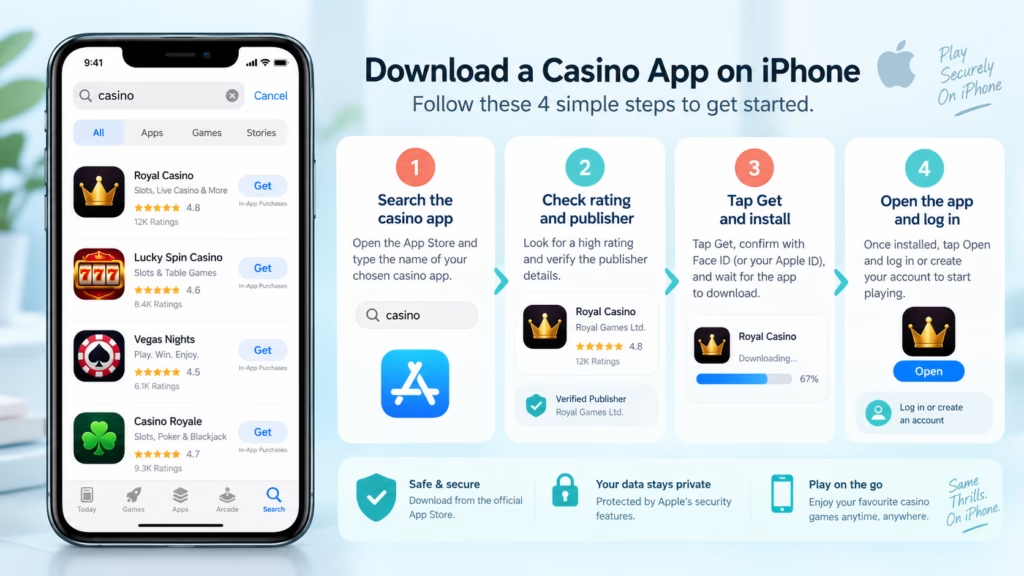
The standard way to download a casino app on iPhone is through Apple’s App Store. The normal process is to open the App Store, search for the required app, tap Get, and authenticate the download using the device’s security method.
To install a casino app:
1. Open the App Store on your iPhone.
2. Tap Search.
3. Enter the exact casino or sportsbook name.
4. Open the app listing and check the developer name.
5. Read the app description and confirm that it is the operator you intended to use.
6. Tap Get.
7. Double-click the side button if requested.
8. Confirm the download using Face ID, Touch ID, or your Apple Account password.
9. Wait for installation to finish, then open the app.
A Get button means the application itself can be downloaded without an App Store purchase charge. Real-money gambling apps offered through the App Store are generally distributed as free downloads, while deposits and wagers are handled separately inside the casino service.
Installing the application does not automatically mean that you can gamble for real money. The casino may still need to confirm your location, age, identity, account details, or eligibility under local rules before deposits or real-money games become available.
How to Check That You Are Downloading the Correct Casino App
The casino name alone is not enough to identify a legitimate app because similar names, companion apps, social casino games, and unrelated gambling-style applications can appear in search results.
Before installing a casino app, check:
- the developer or publisher shown in the App Store;
- whether the operator’s official website points to the same app listing;
- the description of the app and the countries it serves;
- privacy information and permissions requested by the app;
- whether the app is intended for real-money gambling or only free-to-play casino games.
The safest route is generally to start with the operator’s real website and follow its iPhone or App Store link. Check the domain carefully before entering an Apple Account password, casino login, payment information, or identity documents.
An App Store listing also does not prove that a casino is legal for every user worldwide. Real-money casino apps can be restricted geographically, so availability may differ between locations.
Why Can’t I Find a Casino App in the App Store?
A casino app can disappear from search results even when other players can download it. This usually reflects regional availability, account settings, or operator distribution rather than a problem with your iPhone.
The casino is not available in your country
Real-money gambling laws differ substantially between countries and, in some markets, between states or other local jurisdictions. An operator may therefore provide an iPhone app in one location but not another.
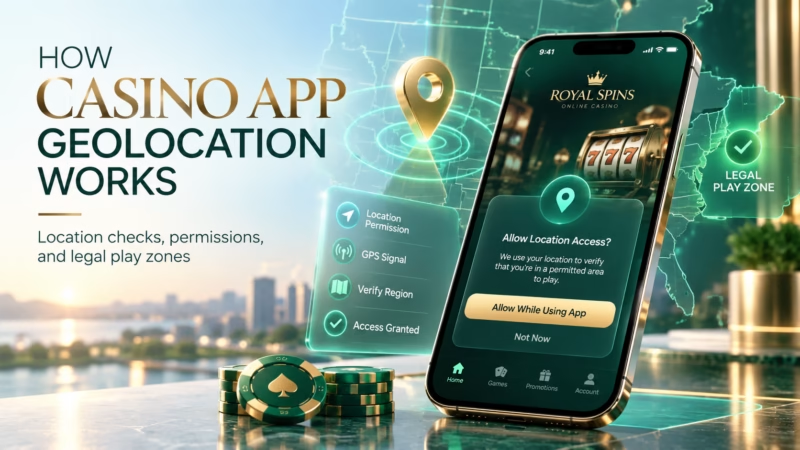
Changing your location settings does not automatically make gambling legal or make an account eligible. The casino can perform its own location and eligibility checks when you register, deposit, or play.
Your Apple Account uses another country or region
App Store availability depends partly on the storefront associated with your Apple Account. A casino operating in your physical location may not appear if its app is unavailable through your current storefront.
Do not change your Apple Account region simply to bypass gambling restrictions. Account eligibility and gambling eligibility are separate issues, and the casino may still require proof that you are physically located in an allowed jurisdiction.
Age restrictions apply
Casino gambling is age-restricted, but the minimum legal gambling age is not identical worldwide. Some jurisdictions, operators, or platforms may also require age confirmation before certain applications can be downloaded or used.
The operator only provides a mobile website
Not every casino develops a native iOS application. Maintaining an App Store app involves regulatory, technical, and distribution requirements, so some operators concentrate on browser-based mobile casinos instead.
A good responsive casino website can provide many of the same functions without installing a native app.
How to Install a Casino Web App on iPhone
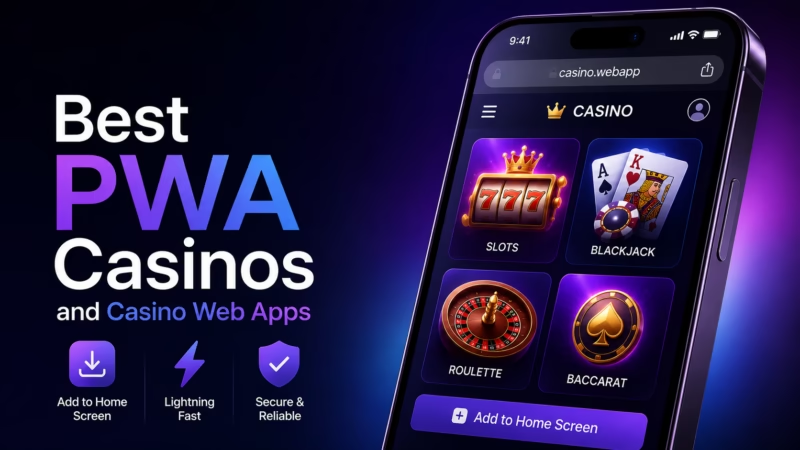
If a casino does not have a native App Store application, its website may still work like an app from the iPhone Home Screen. Safari allows compatible websites to be added to the Home Screen and opened as web apps.
For a casino website, the process is:
1. Open Safari.
2. Visit the verified casino website.
3. Log in or confirm that the mobile site works correctly.
4. Tap the Share or relevant Safari menu button.
5. Select Add to Home Screen.
6. Enable Open as Web App if the option appears.
7. Tap Add.
The casino will then have an icon on your Home Screen.
A web app is not automatically the same as a native casino app. It normally uses the casino’s website underneath, while an App Store application is separately packaged for iOS. Performance, notifications, biometric features, game compatibility, and offline functionality can therefore differ.
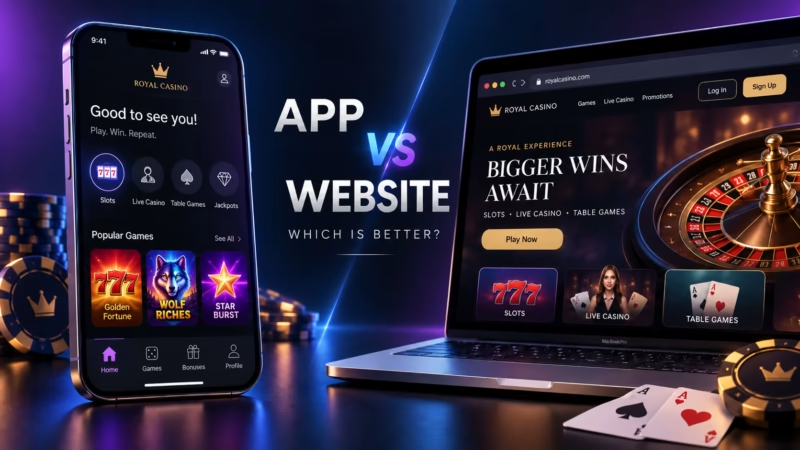
App Store Casino App vs Casino Web App
The best format depends more on how the casino built its mobile service than on whether an icon came from the App Store.
| Feature | Native App Store App | Casino Web App |
| Installation | Downloaded through App Store | Added through Safari |
| Updates | Usually handled through app updates | Website updates are generally server-side |
| Storage use | Usually higher | Usually lower |
| Home Screen icon | Yes | Yes |
| App-specific iOS integration | Often stronger | Can be more limited |
| Availability | May be region-restricted | Depends on casino and jurisdiction |
| Browser required | No for normal use | Built from web technology |
A native app may suit frequent mobile users who value an interface specifically designed for iOS. A web app may be more practical for occasional players who do not want another large application installed.
Neither format changes the mathematics of casino games. Installing an app does not improve winning chances, RTP, or random game outcomes.
Can Casino Apps Be Installed Outside the App Store?
Alternative app distribution exists on iPhone in certain regions, but it should not be confused with unrestricted sideloading. Availability and installation rules depend on the country, the iOS version, the distributor, and the operator.
For casino users, alternative distribution does not mean that every casino app found on a website is legitimate or installable. Gambling regulations still apply, and alternative distribution does not remove the need to verify the operator, application source, eligibility, and local rules.
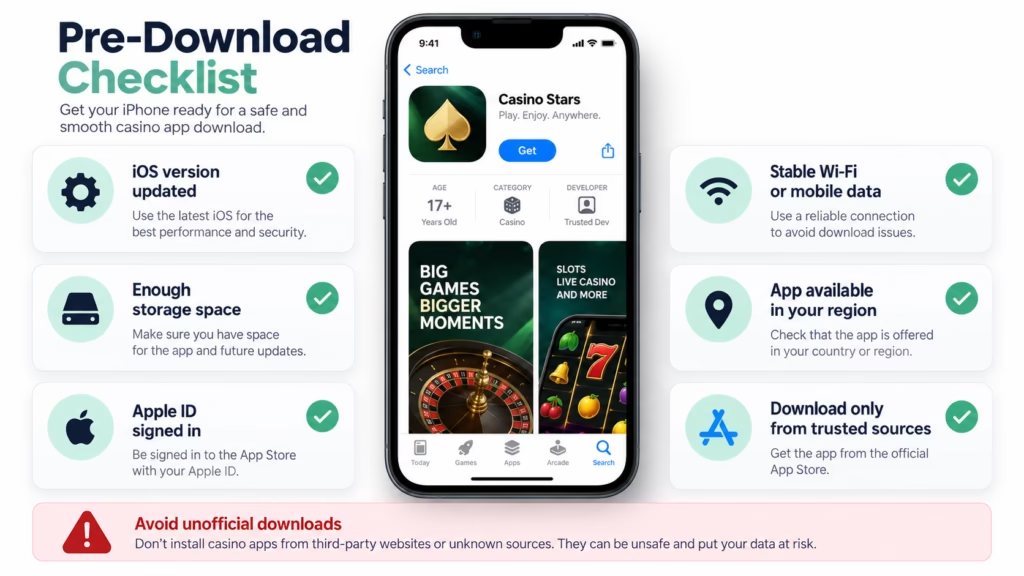
Be particularly cautious if a website asks you to install an unknown configuration profile, disable security settings, enter Apple credentials into a third-party form, or follow unusual installation steps that cannot be verified through Apple or the casino operator.
What to Do If a Casino App Will Not Download
A failed casino app download does not necessarily mean that the application has been removed. Account issues, storage, connectivity, regional availability, or a temporary App Store problem can all interfere with installation.
Check your internet connection
Switch between Wi-Fi and mobile data if the download remains stuck. A weak or unstable connection can interrupt an installation.
Restart the iPhone
A restart can clear temporary App Store or download problems.
Check available storage
Casino apps and their cached game content can require substantial storage. Remove unused applications, videos, or other large files if the iPhone is nearly full.
Check your Apple Account
An unresolved billing, age-verification, or account issue can sometimes prevent new downloads even when the application itself is free.
Check whether the app is still available
Search again in the App Store or use the casino’s verified website. Operators can remove apps, change their regional distribution, replace old applications, or move users toward a newer version.
What to Check Before Using a Real-Money Casino App
Downloading the app is only the first step. Before depositing, check whether the operator is appropriate for your location and whether its terms match how you intend to play.
Look for clear information about:
- the legal entity operating the casino;
- licensing or regulatory information applicable to your jurisdiction;
- minimum legal gambling age;
- supported deposits and withdrawals;
- identity verification requirements;
- withdrawal limits and processing conditions;
- bonus wagering requirements;
- account limits and responsible gambling tools;
- customer support options.
Bonus terms deserve particular attention. A large headline bonus may include wagering requirements, eligible-game restrictions, maximum-bet conditions, expiry periods, or withdrawal limits. Those rules depend on the operator and promotion, so they should be checked before accepting the offer.
Players should also set a spending limit before depositing. Casino games use random or otherwise regulated game outcomes, and an iPhone app cannot turn gambling into a predictable way to earn money.
Common Mistakes When Installing Casino Apps on iPhone
The most common installation mistake is searching for a casino name and immediately downloading the first result.
Another mistake is assuming that an unavailable App Store app should be obtained from an unofficial download website. An unavailable app can simply mean that the operator does not distribute it in your region.
Players also sometimes confuse casino web apps with native applications. Adding a website to the Home Screen creates convenient app-like access, but the underlying service can still be browser-based.
Finally, do not assume that being able to install an app means you are eligible to gamble. The operator may separately verify your age, location, identity, payment method, and account information.
How This Information Was Reviewed
The installation guidance in this article is based on current iPhone App Store download behavior, Safari web-app functionality, alternative distribution concepts, and the distribution requirements that apply to real-money gaming applications.
Casino-specific availability should still be checked with the individual operator because licensing, geographic availability, age rules, payment methods, verification requirements, and promotional terms can vary by jurisdiction.
Casino apps should be used for entertainment rather than as a way to generate income. Set limits before playing, never chase losses, and stop if gambling is causing financial or personal problems.
FAQ
Can you download casino apps on an iPhone?
Yes. Casino apps can be downloaded on iPhone when an operator provides an iOS application in your App Store region and local rules allow the service. Some casinos instead provide mobile websites or web apps that can be added to the Home Screen.
How do I install casino apps on iPhone?
Open the App Store, search for the casino, verify the developer, tap Get, and confirm the download using Face ID, Touch ID, or your Apple Account credentials. The basic installation process is the same as for other App Store applications.
Why is a casino app not showing in my App Store?
A casino app may be unavailable because of regional licensing, App Store storefront restrictions, age requirements, operator distribution choices, or compatibility requirements. Real-money casino apps are commonly restricted to jurisdictions where the operator can legally offer them.
Can I install a casino app from a website on iPhone?
Sometimes, but the method depends on the type of application and your region. A casino website can often be added to the iPhone Home Screen as a web app through Safari. Alternative native-app distribution may also exist in some regions, but arbitrary iPhone app files should not be installed from unknown websites.
How do I add an online casino to my iPhone Home Screen?
Open the casino website in Safari, select Share, choose Add to Home Screen, enable Open as Web App when available, and tap Add. The website will then open from a Home Screen icon in an app-like window.
Are casino apps free to download on iPhone?
Real-money gaming apps offered through the App Store are generally free to download. Gambling deposits, wagers, and other casino transactions are separate from the cost of installing the application.
Do I need to verify my identity after downloading a casino app?
Possibly. Casino operators may require age, identity, address, payment, or location verification depending on local regulations and their own compliance procedures. Downloading the application does not remove these requirements.
Is an App Store casino app automatically legal where I live?
No. App availability is useful information, but players should still confirm whether online gambling is permitted for them in their location. Gambling laws and legal age requirements vary, and casino operators can impose additional eligibility conditions.
Does using a casino app improve my chances of winning?
No. Using an iPhone app instead of a browser does not improve the underlying odds of casino games. RTP, house edge, game rules, and random outcomes are determined by the game rather than by whether it is accessed through an app or website.
Short Conclusion
The easiest way to download casino apps on iPhone is to use the App Store, verify the operator and developer, tap Get, and complete the normal authentication process. If a native app is unavailable, a legitimate mobile casino website can often be added to the Home Screen as a web app.
App availability varies by country because real-money gambling is regulated. Verify the operator, local eligibility, payment and withdrawal terms, and responsible gambling tools before depositing. Avoid unofficial installation methods that require unusual security changes, and treat casino games as entertainment rather than a source of income.